Request Recon
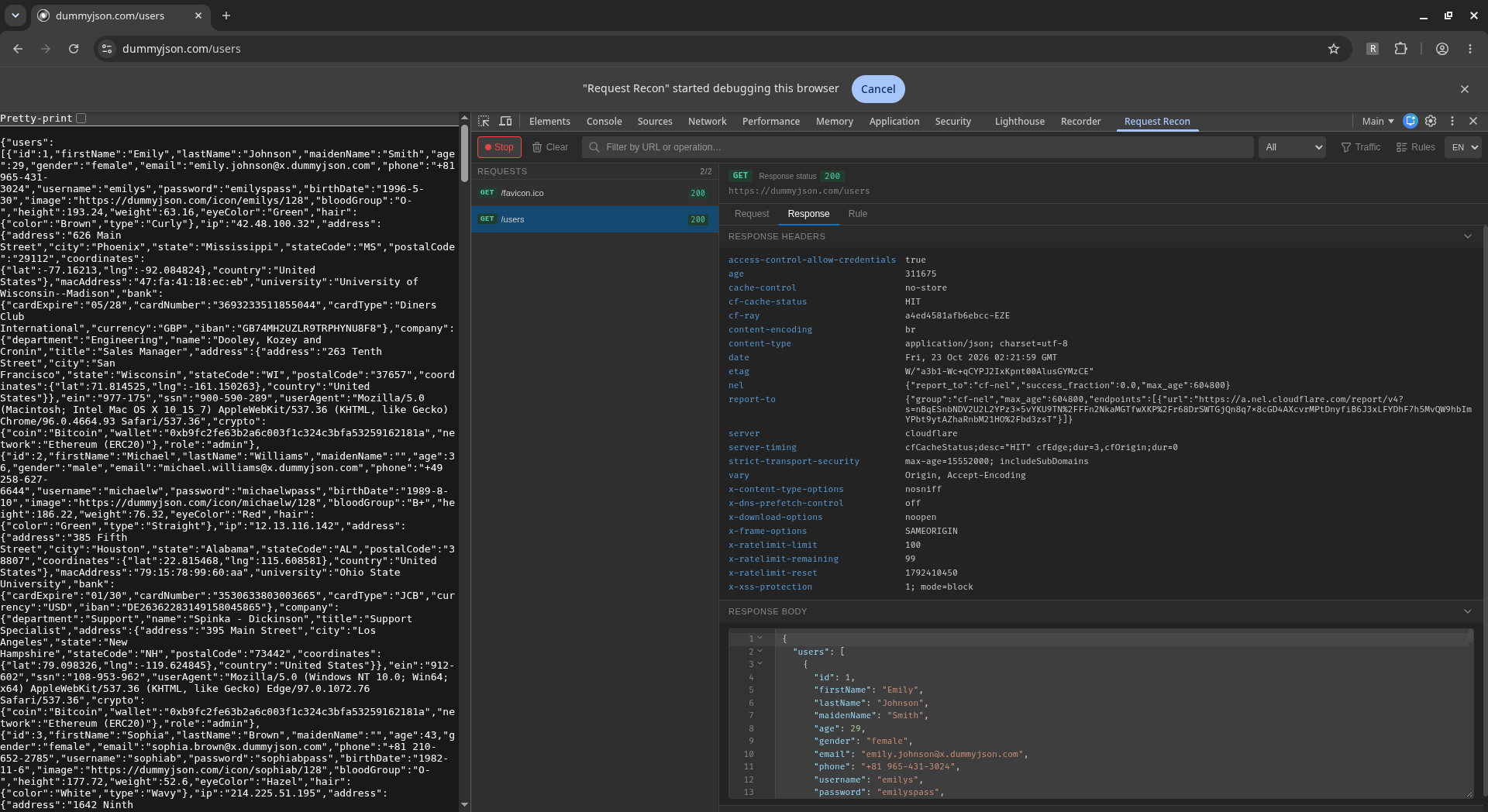
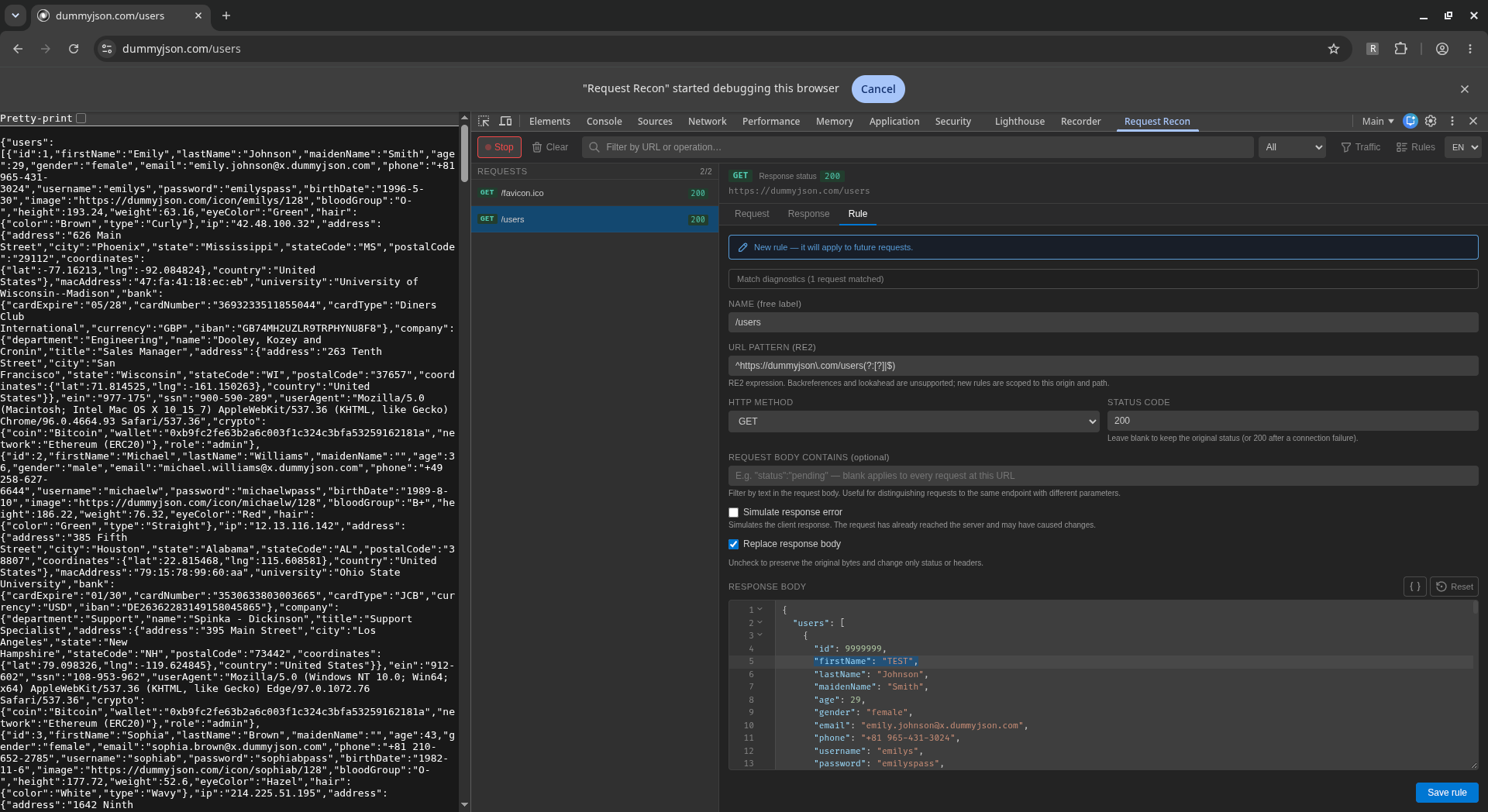
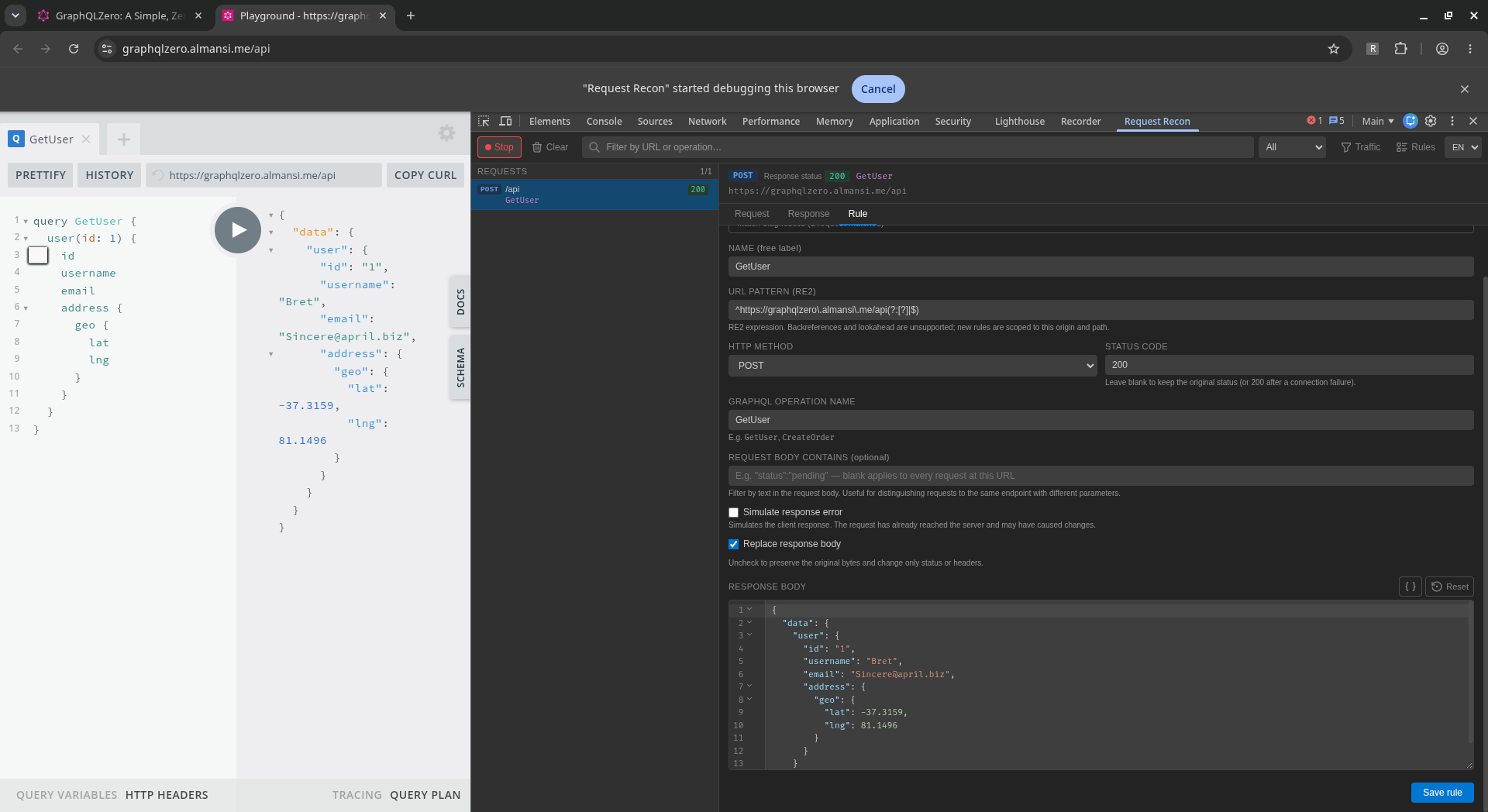
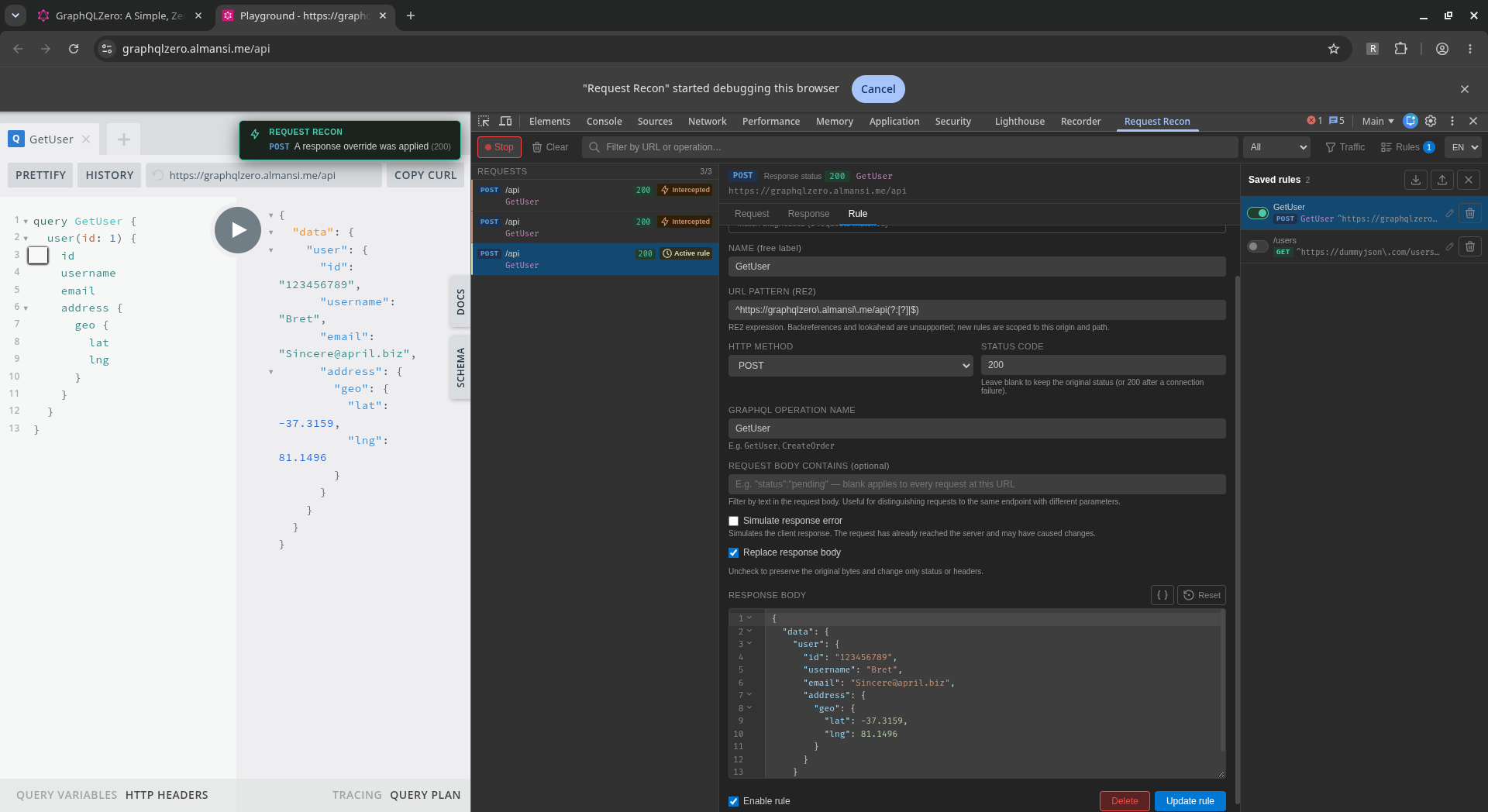
Request Recon is a Chrome DevTools extension I built to make frontend development and API testing easier. Capture network requests, inspect responses, and create reusable rules to test how an application behaves with different data, HTTP status codes, headers, or simulated failures.
Features
- Inspect request and response headers, HTTP status codes, and supported text bodies.
- Override REST API responses and match GraphQL operations by name and request body.
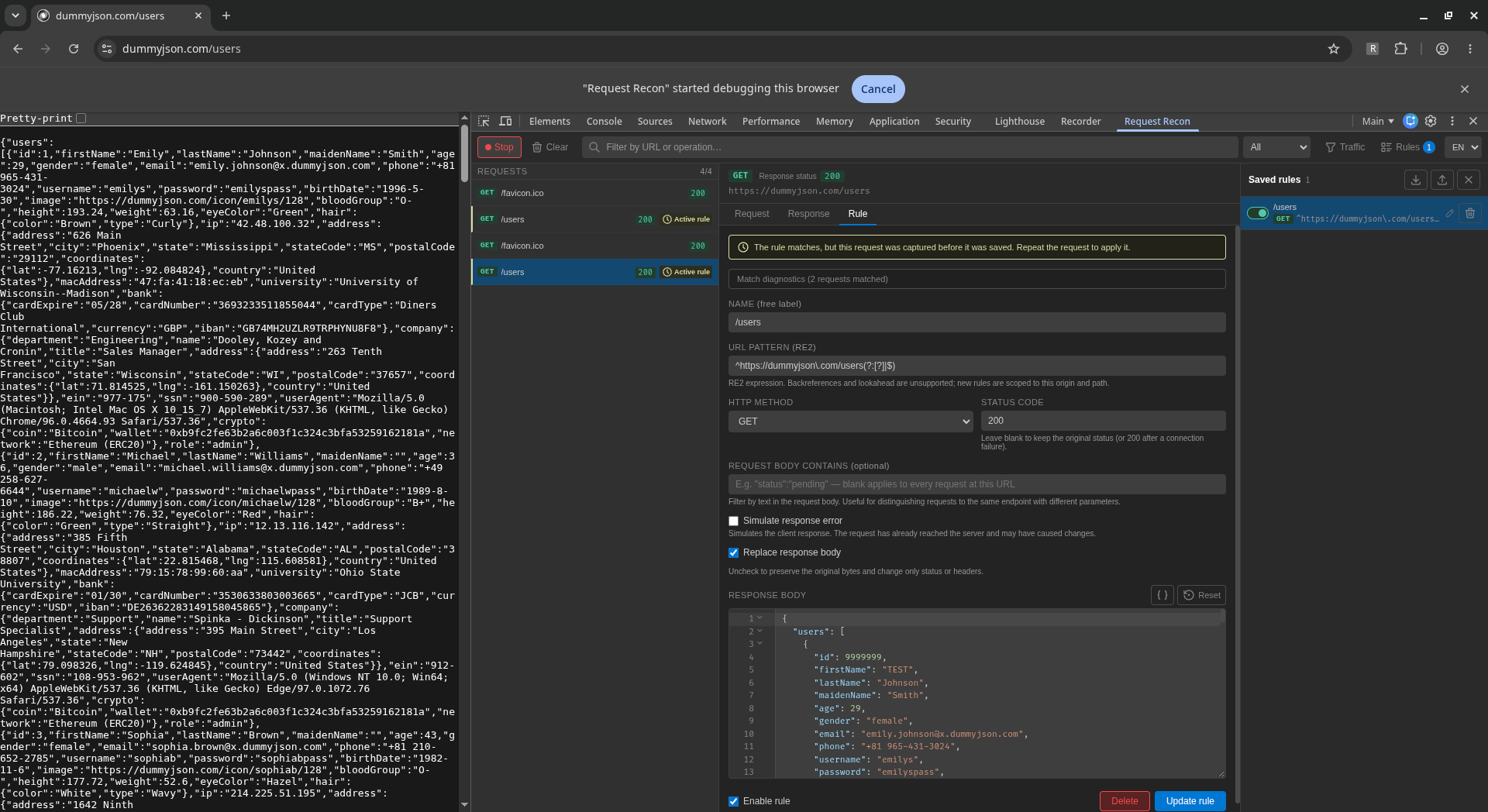
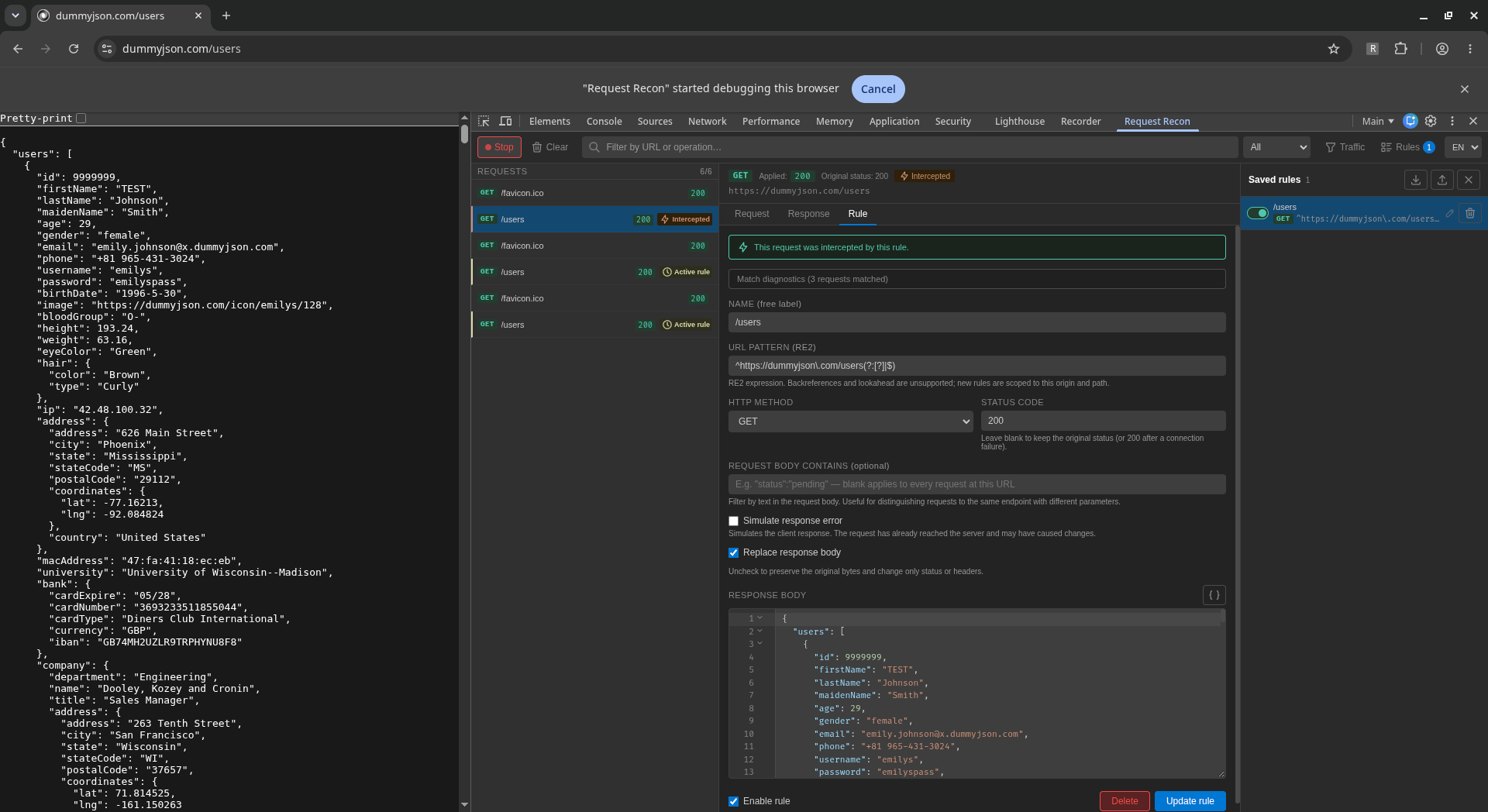
- Change response bodies, headers, and status codes, or simulate response errors.
- Save, enable, disable, import, and export response rules.
- Search requests and filter traffic to focus on what matters.
- Switch between English and Spanish.
Built with React, Vite, and the Chrome extension APIs. Captured traffic stays in memory, while rules and preferences are saved locally. Response overrides happen after requests reach the server.
Read the Request Recon Privacy Policy.
Screenshots
Select a screenshot to view it at full size.